


How to Restore a Corrupted Word File Easily
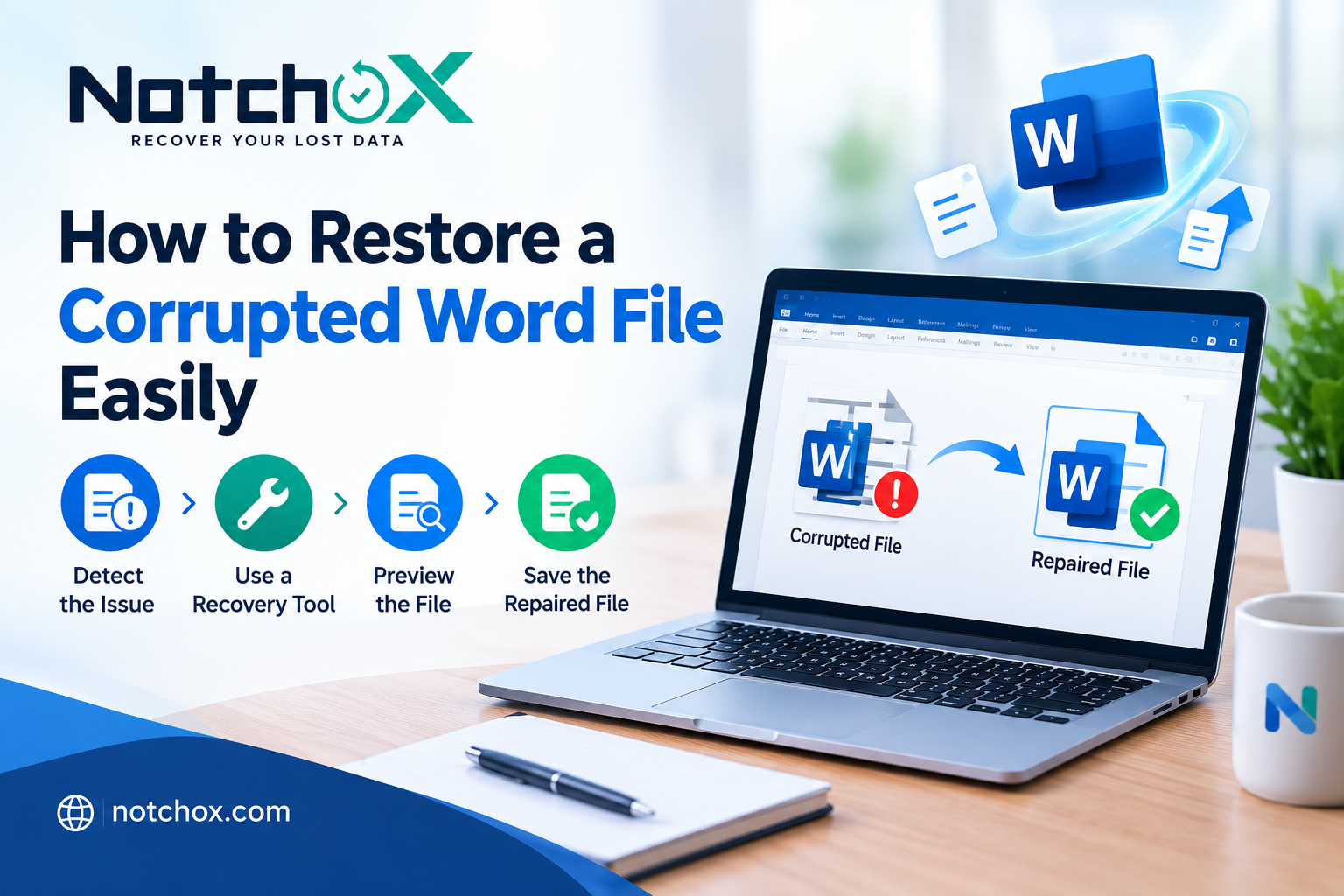
Nothing’s more annoying than trying to open a Word file and getting an error, seeing weird characters, or realizing the whole thing is unreadable. Sometimes Word just freezes, or, worst case, you can’t even get the document to open at all.
Don’t panic. This guide walks you through how to restore corrupted Word file and get things to normal. We’ll cover how to open and repair a damaged file, and which tool to use if Word’s built-in options don’t do the trick.
What are the main reasons behind Word file corruption?
Some of the main reasons why a Word file gets corrupted are:
-
Viruses: Malicious software can attach itself to your Word files and make them impossible to open. Always run a decent antivirus and be careful when plugging in any external device or downloading stuff.
-
Hardware Problems: Issues like a failing hard drive, dodgy RAM, or sudden power cuts can scramble your files. Keep your hardware updated and your computer plugged into a stable power source.
-
Windows Updates: We all know Windows has a mind of its own with updates, sometimes kicking in right when you’re in the middle of editing. This can sometimes corrupt open files. If you keep running into trouble, try switching to manual updates.
Now that you know what the main reasons behind this issue are, you can move forward and learn how to repair Word documents using the following methods.
Method 1: Use Word’s Auto Repair Tool
Word actually has a built-in feature for repairing corrupted documents. Here’s how you use it (I’m showing this in Word 2013, but it works pretty much the same way in newer versions):
-
You need to open Word and start a new document.
-
Click “File” at the top, then go to “Open.”
-
Choose the “Computer” option, then “Browse,” and locate your corrupted file.
-
Click on the arrow next to the “Open” button, then choose “Open and Repair.”
Word will do its thing and, with any luck, get your document back in shape.
Method 2: Rescue Your Text with Notepad
If Word’s repair feature doesn’t work, you can still salvage the raw text by opening the file in Notepad:
-
Right-click your corrupted document, choose “Open with,” and pick “Notepad.” If Notepad isn’t listed, click “Choose another app” and find it there.
-
Once the file opens, go to “File” and use “Save As” to save it as a .txt file.
-
Open your saved .txt file and copy the content into a new Word document.
You’ll lose the formatting of the text, but at least your text is safe.
Method 3: Fix the Header with Draft Mode
Sometimes the problem is a corrupted header. You can try using Word’s Draft mode to get access. All you need to do is access the ‘View’ tab in MS Word and choose the ‘Draft’ option.
If you suspect the header’s the issue, you can copy a header from a working document and paste it into the corrupted one after switching to Draft mode. This trick sometimes lets you open the file normally again. You can also use Notchox data recovery software to help restore a corrupted Word file and recover the content when other methods do not work.
- Ask Nguza
- Food and Recipes
- Lifestyle
- Parenting
- Education
- Career & Business
- Sports
- Entertainment
- Marketing & Blogging
- Travel
- Confessions / Anonymous Talk
- Local News & Gossip
- Memes & Fun
- Art
- Hot Topics / Trending
- Causes
- Crafts
- Dance
- Drinks
- Film
- Fitness
- Food
- Oyunlar
- Gardening
- Health
- Home
- Literature
- Music
- Networking
- Other
- Party
- Religion
- Shopping
- Sports
- Theater
- Wellness
- Personal Development
- Technology
- Finance
 Turkish
 English
 Arabic
 French
 Spanish
 Portuguese
 Deutsch
 Dutch
Dutch
 Italiano
 Russian
 Romaian
 Portuguese (Brazil)
 Greek
Greek
