


Plugin Not Working in WordPress? Common Causes and Effective Fixes
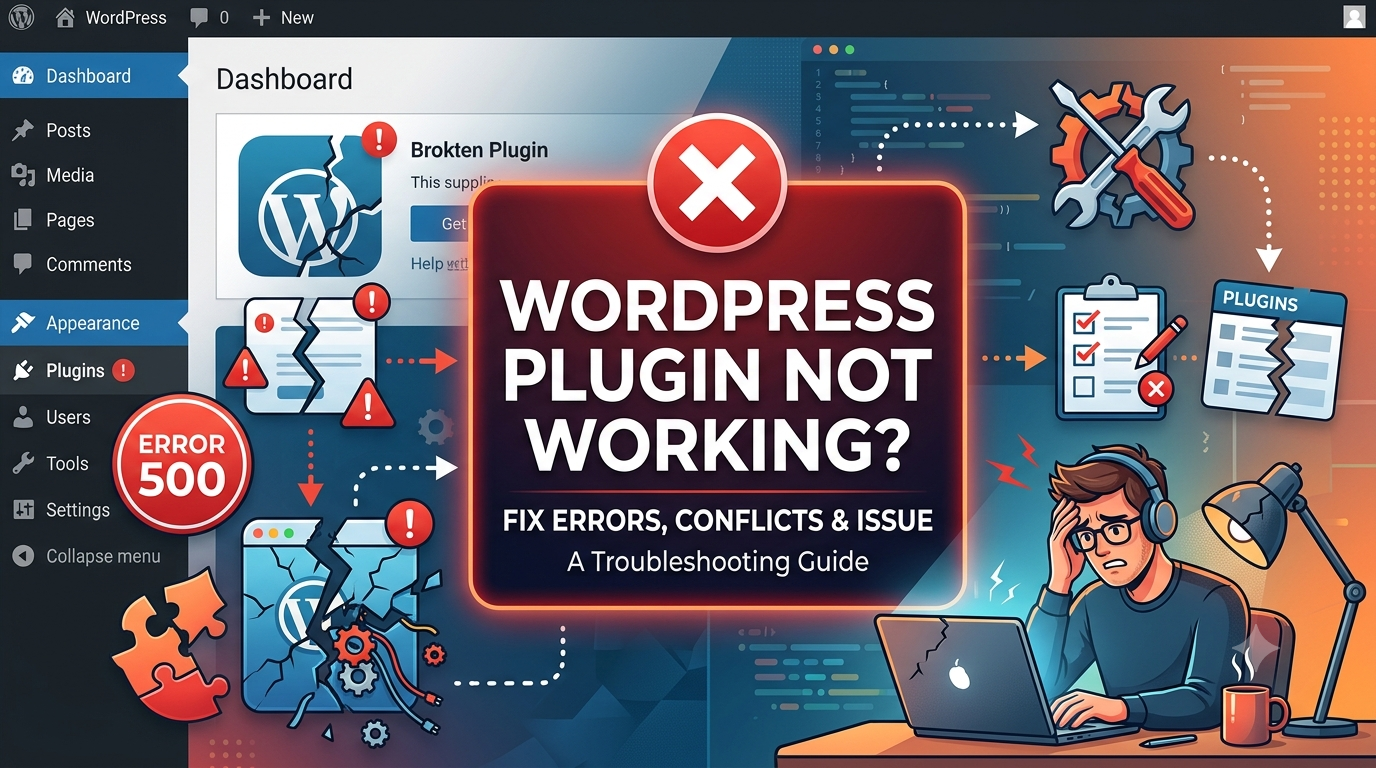
WordPress plugins extend website functionality and help users customize their sites without extensive coding. However, plugin issues can sometimes disrupt website performance, leading to errors, broken features, or even complete site downtime. Understanding the root causes of these problems is the first step toward resolving them efficiently.
Several factors can cause a plugin to malfunction. Common reasons include conflicts between plugins, incompatibility with the current WordPress version, outdated themes, insufficient server resources, or incorrect plugin configurations. In some cases, a recent update may introduce bugs that affect functionality, making troubleshooting essential.
If you encounter a plugin not working in wordpress situation, start by deactivating and reactivating the plugin to check if the issue resolves itself. Next, test for conflicts by disabling other plugins one at a time and switching temporarily to a default WordPress theme. Reviewing error logs and ensuring that WordPress, themes, and plugins are updated can also help identify the source of the problem.
- Ask Nguza
- Food and Recipes
- Lifestyle
- Parenting
- Education
- Career & Business
- Sports
- Entertainment
- Marketing & Blogging
- Travel
- Confessions / Anonymous Talk
- Local News & Gossip
- Memes & Fun
- Art
- Hot Topics / Trending
- Causes
- Crafts
- Dance
- Drinks
- Film
- Fitness
- Food
- Παιχνίδια
- Gardening
- Health
- Κεντρική Σελίδα
- Literature
- Music
- Networking
- άλλο
- Party
- Religion
- Shopping
- Sports
- Theater
- Wellness
- Personal Development
- Technology
- Finance
 Greek
Greek
 English
 Arabic
 French
 Spanish
 Portuguese
 Deutsch
 Turkish
 Dutch
Dutch
 Italiano
 Russian
 Romaian
 Portuguese (Brazil)
